
Most Notion widget problems fall into one of five groups: the link became a bookmark, the source page will not load, the frame is too small, the widget stores data on another device or the provider has stopped serving it.
Need a replacement that works now? Soft Clock runs in Notion on desktop and phone. It’s free with an account.
Start with the symptom you can see.
| What you see | Try first |
|---|---|
| Link card instead of widget | Add it with /embed |
| Blank frame | Open the same URL in a browser |
| Clipped controls | Increase the frame height |
| Wrong on your phone | Check width and reload the app |
| Missing entries | Check where the widget stores data |
| What you see | Try first |
|---|---|
| Link card instead of widget | Add it with /embed |
| Blank frame | Open the same URL in a browser |
| Clipped controls | Increase the frame height |
| Wrong on your phone | Check width and reload the app |
| Missing entries | Check where the widget stores data |
The widget appears as a link or bookmark
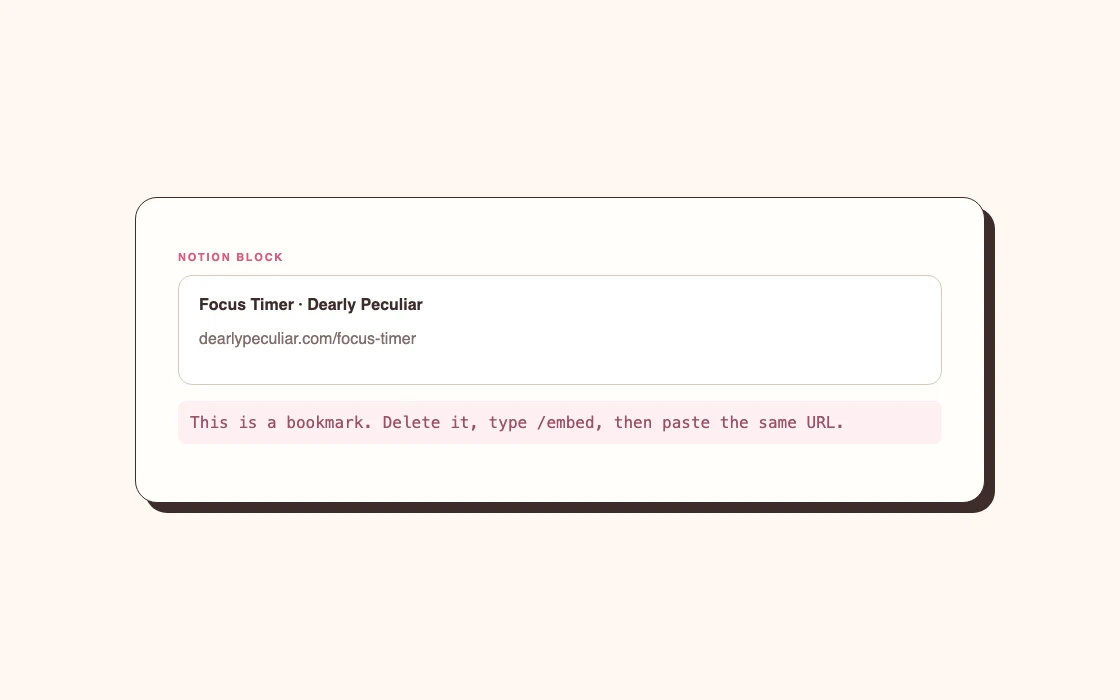
The URL was added as the wrong kind of block.
Delete the link card. On a fresh line, type /embed, choose Embed, paste the widget URL and confirm. If you paste the link directly, choose Embed rather than Mention, Bookmark or Paste as link.
A bookmark is useful when you want a card that opens another page. It will not turn into an interactive widget by resizing it.
The embed is blank
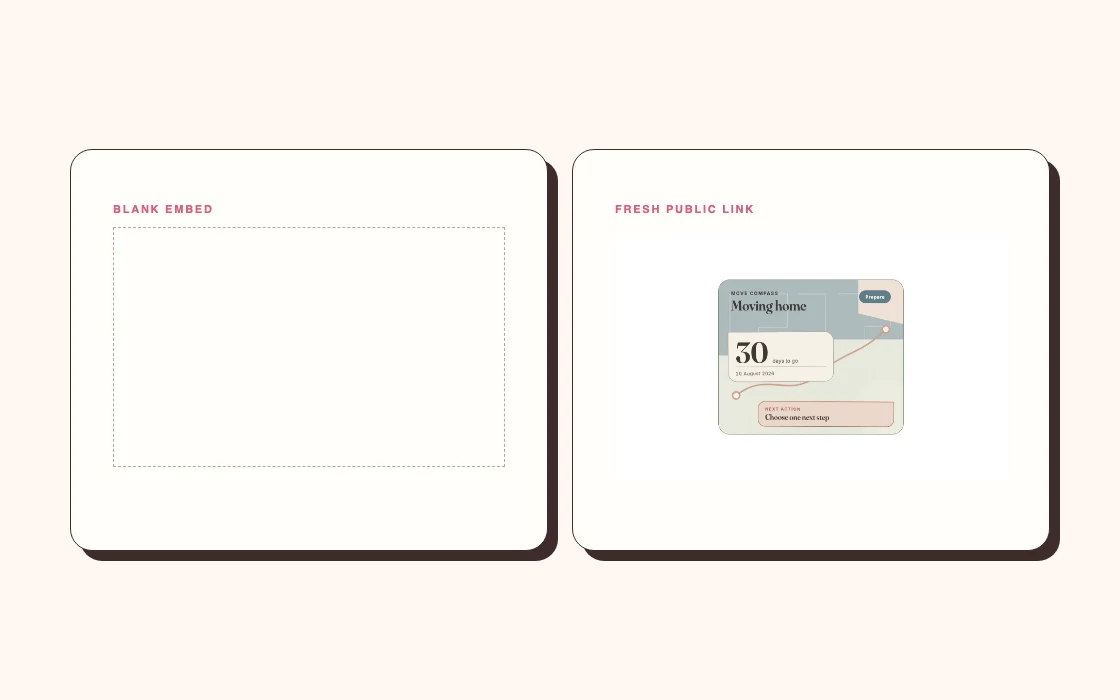
Open the same widget URL in a normal browser tab.
If it is blank there too, the problem is with the widget link or provider rather than Notion. Check that you copied the public embed URL, not a private editor, account page or unfinished preview. Try the provider's default free link to see whether custom settings caused the problem.
If the widget works in a browser but stays blank in Notion, reload the Notion page and create a fresh Embed block. Browser privacy settings, blocked cookies or a network filter can also stop an embedded page from loading. Test another browser or the Notion desktop app before changing the entire dashboard.
Some websites refuse to be displayed inside other sites. A page working in a browser does not guarantee that its owner allows embedding. In that case, use the provider's official Notion embed link or choose another widget.
The widget shows scrollbars or cuts off controls
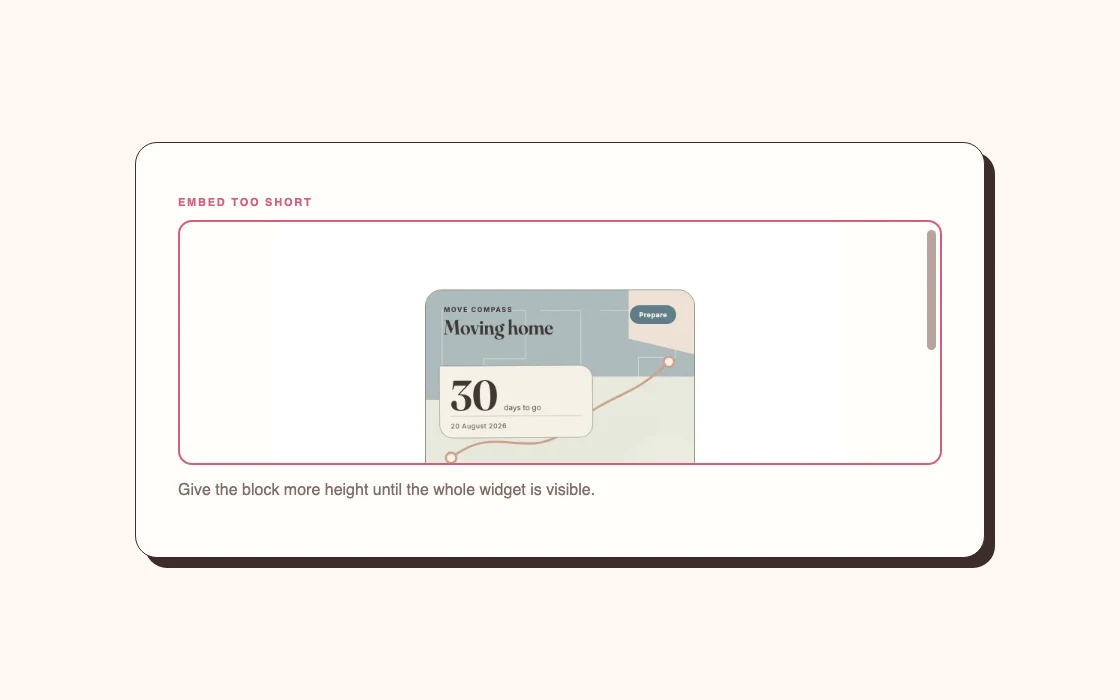
The frame is too small for its contents.
Click the embed and drag its bottom edge down. Widen the block if buttons or text wrap awkwardly. A monthly calendar needs more space than a date card, even when both looked small in the provider's preview.
If the widget sits in a narrow column, move it into a wider one. You can also open the Notion page menu and turn on Full width. Do not shrink a useful control until it becomes hard to tap merely to preserve a symmetrical row.
The widget looks wrong on mobile
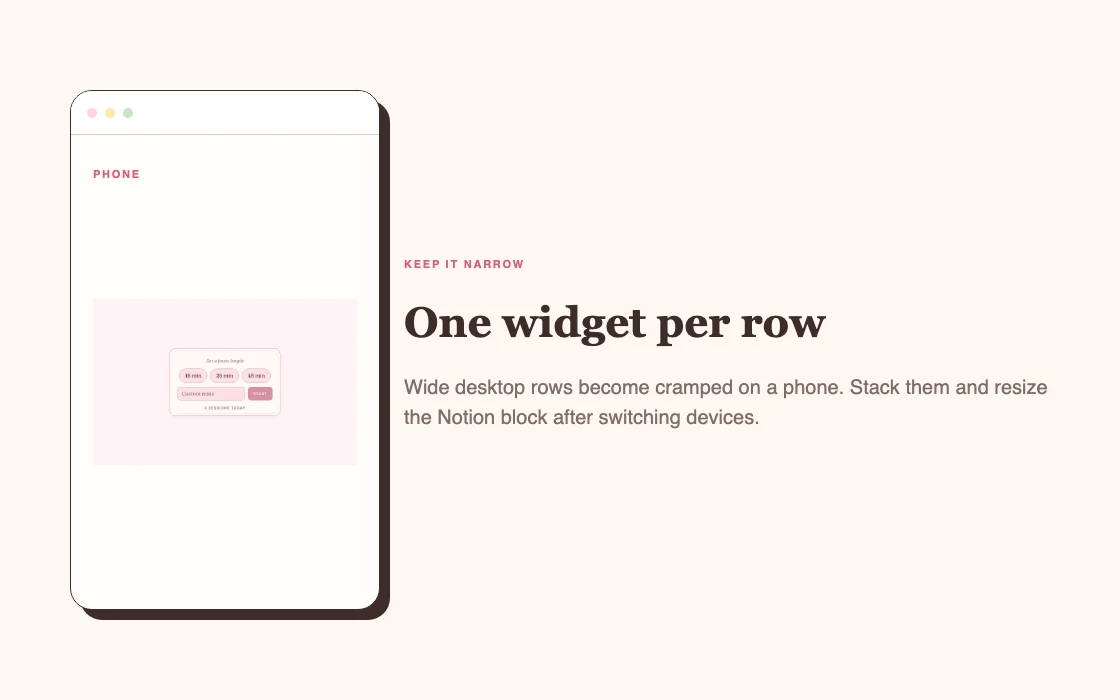
Notion stacks columns on smaller screens, and the widget keeps the dimensions of its embed frame. A layout that feels balanced on a laptop can become a tall procession of cards on a phone.
Put the most useful block first in each row. Keep interactive widgets wide enough for a thumb and avoid placing essential text outside the widget in the neighbouring column. Check the actual page in the mobile app; narrowing a desktop browser gives only an approximation.
On iPhone, open the exact embed URL in Safari as a separate check, then reopen the Notion page in the app. A successful Safari test does not prove the embedded frame can use the same browser storage. Avoid clearing website data as an early fix: locally saved entries may be lost.
On iPhone, open the exact embed URL in Safari as a separate check, then reopen the Notion page in the app. A successful Safari test does not prove the embedded frame can use the same browser storage. Avoid clearing website data as an early fix: locally saved entries may be lost.
If one widget is unusable on mobile, consider moving it to a desktop-only planning page and keeping a simpler date, timer or checklist on the main dashboard.
The widget forgot your entries
Some small widgets save their state in the browser rather than in your Notion account. Entries made on a laptop may not appear on your phone, and clearing browser storage can reset them.
This is suitable for light personal tools such as a daily checklist, mood grid or local timer. It is unsuitable for records that must follow you between devices or be shared with another person.
For important shared information, use a Notion database or a widget provider with account-based syncing. Before relying on any tracker, make one test entry on each device you use.
The widget stopped updating
Reload the Notion page and open the embed URL in a browser. Check whether the provider reports an outage or has changed its service.
If the provider's domain no longer loads, resizing and re-embedding will not bring the widget back. Replace it with a widget from an active provider. This is one reason I prefer keeping the underlying information, such as dates and task lists, in Notion. The widget can disappear without taking the source record with it. If it was a WidgetBox widget, see the WidgetBox alternative guide for replacement options and free account limits.
For time, weather or calendar widgets, confirm the location, time zone and connected account on the provider's settings page. A widget that loads old information may have lost permission rather than stopped working entirely.
A Dearly Peculiar widget is not working
First, sign in and confirm the widget is added to your account. Open its saved embed link in a separate tab and check that you copied the full address. The customisation page address is not the embed link.
Then try a fresh Embed block in Notion. Keep the old block until the new one works so you do not lose a layout you can still inspect.
If the saved embed link still fails, use the Send feedback link on Dearly Peculiar and include the widget name, the device you are using and what appears in the frame. A screenshot helps. Do not send a licence key in a public message or screenshot.
A widget that works but forgets entries on another device needs the widget syncing guide. For a working embed that turns into a bright box at night, use the dark mode fixes.
The quick order I use
Open the URL in a browser. Add it again with /embed. Enlarge the frame. Test another device or browser. Then check the provider.
That order separates link, layout and service problems without changing five things at once.


