
Adding a widget to Notion takes about a minute:
- Sign in to Dearly Peculiar, choose a widget, add it to your account and copy the embed link.
- In Notion, type
/embedand choose Embed. - Paste the link, then drag the edges of the block to resize it.
That is the whole job. You do not need code, a Notion integration or a special widget menu.
1. Copy the widget's embed link
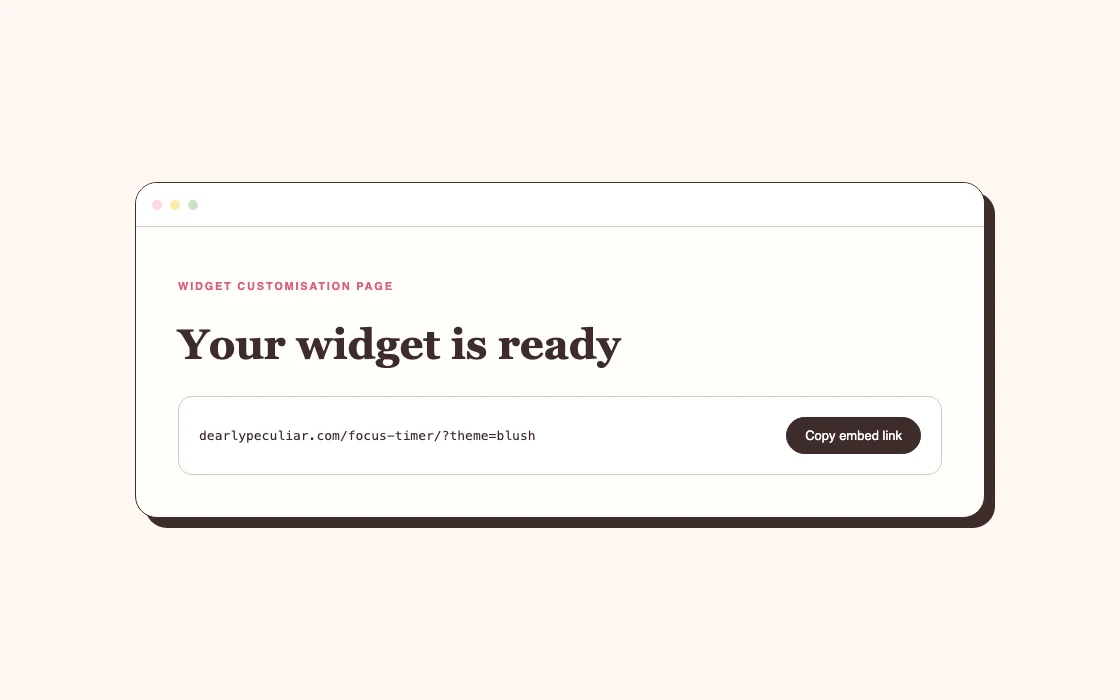
Open the widget provider's setup page and look for Copy link, Embed link or similar wording.
On Dearly Peculiar, sign in and add the widget to your account first. You can start free with a Dearly Peculiar account. A single-widget licence covers that widget; a pack covers its included widgets. Subscription and Lifetime cover the whole collection. Copy the embed link provided for your saved widget, rather than the address of its customisation or account page.
Some providers create a unique link after you choose colours or settings. Keep that full link. Removing the characters after a question mark can remove your choices.
2. Add an Embed block in Notion
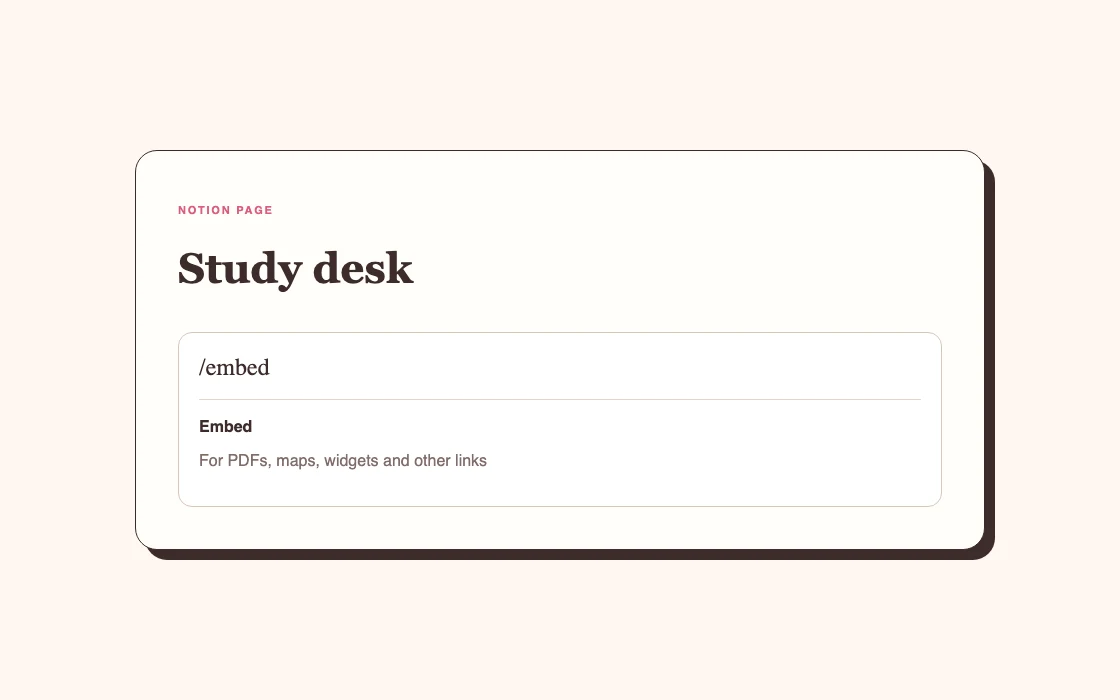
Open the Notion page where the widget should live. Click an empty line, type /embed and select Embed from the menu. Paste the widget URL into the box and confirm it.
You can also paste a URL directly onto the page, but Notion may ask whether you want a mention, bookmark or embed. Choose Embed. A bookmark shows a clickable card; an embed displays the widget inside the page.
3. Resize the widget
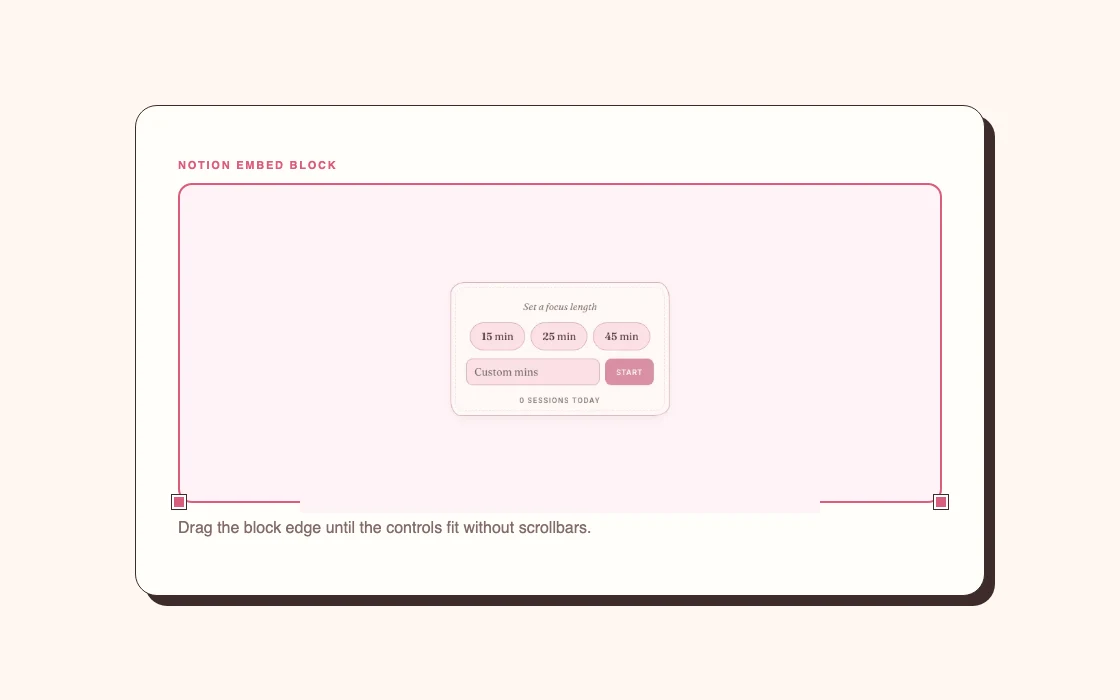
Click the widget block and drag its side or bottom edge. Give it enough height to show the controls without a scrollbar.
Small date cards and clocks fit neatly in a column. Calendars, checklists and timers usually need more width. If the page feels cramped, open the page menu at the top right and turn on Full width, or move the widget out of a narrow column.
If Notion only shows a link
Delete the link block and add it again with /embed. Pasting into a text paragraph or choosing Bookmark creates a link card instead of the live widget.
If the URL still refuses to embed, open it in a browser first. A working public widget should load without asking Notion to sign in to the provider. Private pages and some sites block embedding.
Can you add widgets on mobile?
Yes, but arranging the page is easier on desktop. You can create an Embed block in the mobile app and paste the same link. Test the finished page on your phone afterwards because two-column layouts usually collapse into one column on a smaller screen.
What to do next
Once the widget works, adjust the size before changing its colours. A well-sized default widget looks better than a perfectly matched widget with clipped controls.
Read how to customise Notion widgets for colour, type and layout advice. If the embed is blank, cramped or stuck, use the Notion widget troubleshooting guide.


