
The best free Notion widget sites in 2026 are Indify for calendars and weather, Apption for browsing third-party embeds, Dearly Peculiar for aesthetic, customisable Notion widgets, Widgets for Notion for matching themed collections, Laurie Hérault for calm minimalist tools, Wotion for open-source widgets and Blocs for a small productivity set.
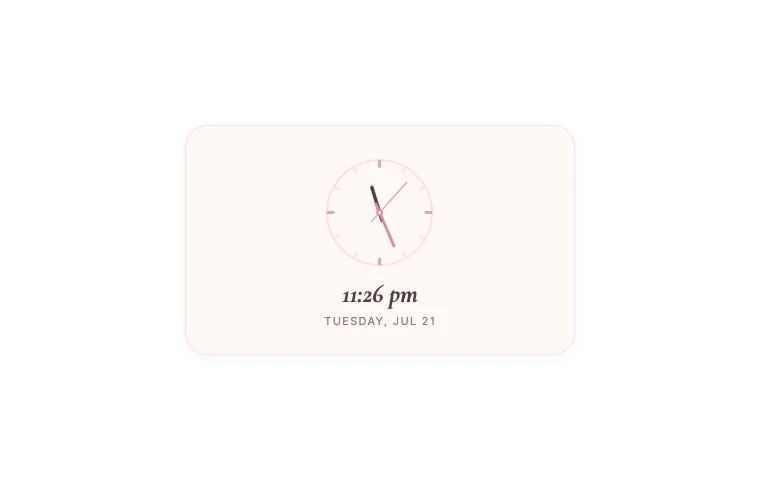
Want to try one while you compare? Soft Clock takes a minute to set up. It’s free with an account.
They use the word “free” in different ways. Some give you a limited number of widgets. Some let you embed a whole catalogue for free but charge for custom colours. Others are directories, so the price and reliability change from one listing to the next.
I checked what you can use without paying, whether you need another account and what each site does particularly well. The provider comparison was checked on 21 July 2026; Indify’s free-plan limits and Dearly Peculiar account details were rechecked on 1 October. Check each provider’s current plan before committing to it.
Free Notion widget sites compared
| Site | Best for | What is free? | Separate account for free use? |
|---|---|---|---|
| Indify | Google and Outlook calendars, weather | Up to six active widgets with core settings | Yes |
| Apption | Finding many kinds of third-party embed | Many listings are free; each source sets its own terms | Varies |
| Dearly Peculiar | Aesthetic, personal and moving-home widgets | Free to start | Yes — free |
| Widgets for Notion | Large matching visual collections | Its ready-made catalogue is free to embed | No |
| Laurie Hérault | Minimal, calming and study-friendly widgets | A small customisable collection | No separate widget account for the basic links |
| Wotion | Open-source utility widgets | The full collection | No |
| Blocs | Pomodoro, habits and water tracking | Three basic productivity widgets | No |
The right site depends on what you want to add. A synced calendar and a tiny first-night moving checklist solve different problems, even though both arrive in Notion through the same /embed block.
Indify: best for calendars and weather
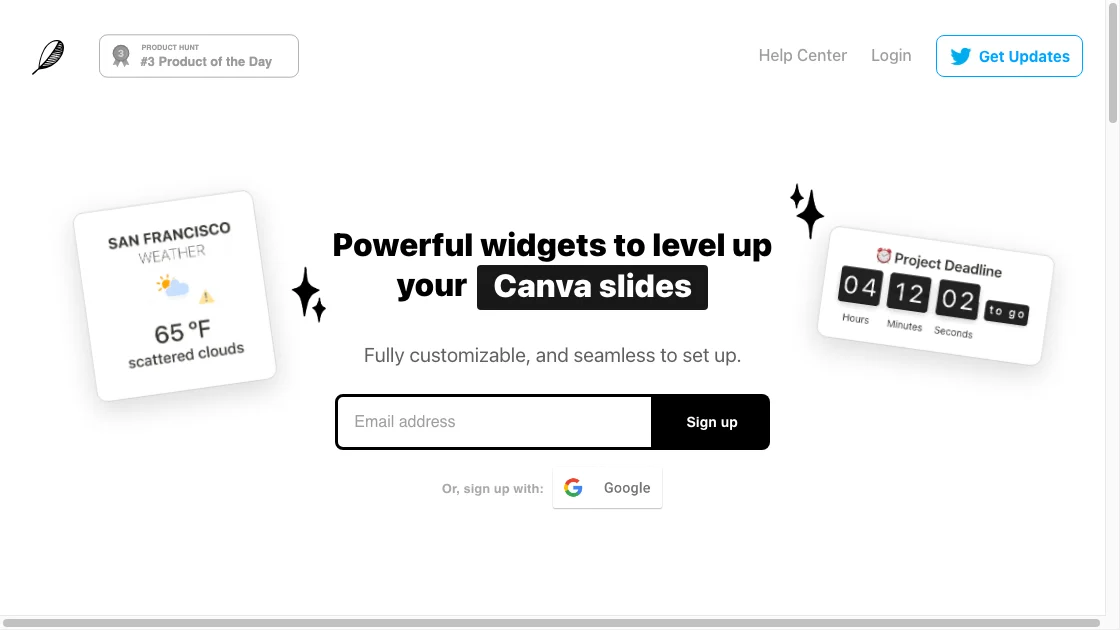
Indify is one of the established names in Notion widgets. Its free plan includes core versions of Google Calendar, Outlook Calendar, Weather, Gallery, Clock, Countdown, Counter, Quotes, Life Progress Bar and Button widgets.
You need an Indify account, and the free plan allows up to six active widgets. Advanced controls for its calendar, weather and gallery products sit on paid plans.
Indify is the strongest choice here when you want a polished calendar or weather card tied to live information. The settings live in one dashboard, and updates to a widget can flow through to an existing embed. It is less suitable if you dislike creating another account or expect to scatter more than six free widgets across several pages.
Apption: best for finding unusual embeds
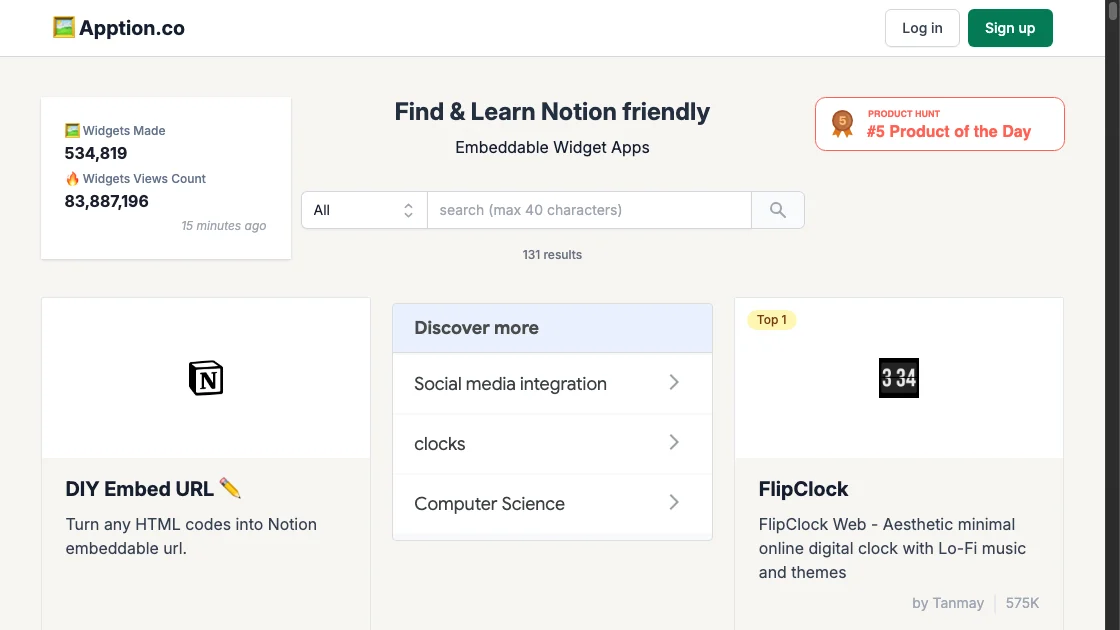
Apption is closer to a directory than a single widget maker. It lists Notion-friendly tools from around the web, including clocks, weather, music, maps, timers, forms and social embeds. It also has a DIY tool that turns embeddable HTML into a Notion-friendly URL.
The variety is the reason to use it. If you want a specific flip clock, an ambient study tool or something Dearly Peculiar and Indify do not make, Apption is a sensible place to search.
The trade-off is consistency. Different listings come from different services, so their design, account requirements and long-term reliability vary. Check the original provider before building an important page around one of its links.
Dearly Peculiar: best for aesthetic, customisable widgets
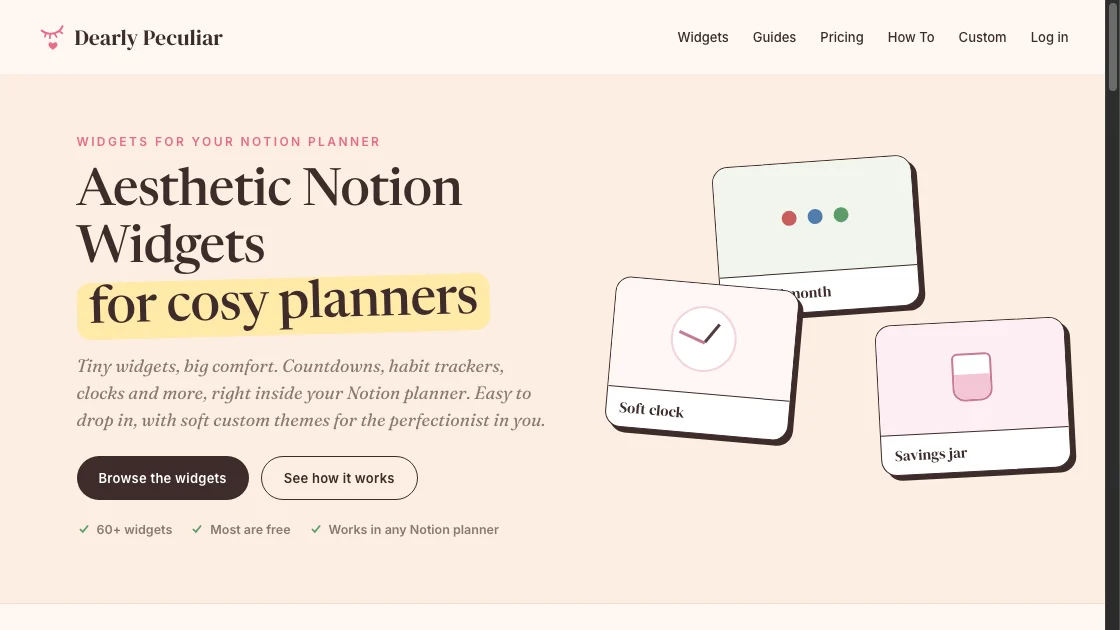
Dearly Peculiar is the site I make. It has free Notion widgets for time and dates, habits, money, mindful tracking, fandom, RPG-style planning and moving home. The widgets are designed as small cards that sit comfortably inside a personal planner rather than looking like parts of a business dashboard.
Dearly Peculiar focuses on aesthetic widgets for personal Notion setups. You can start free with a Dearly Peculiar account. A single-widget licence covers that widget; a pack covers its included widgets. Subscription and Lifetime cover the whole collection.
The catalogue includes familiar tools such as clocks, countdowns, focus timers, habit trackers and calendars. You can start with Soft Clock, keep a book visible with Now Reading or colour-code a month with Pixel Month. It also has more specific widgets, including a wishlist cooldown, no-spend garden and a moving-home collection. The moving widgets cover the moving date, packing one useful box, moving-day checks, first-night essentials and making the first room liveable.
Dearly Peculiar is a good fit if you want useful widgets with a softer visual style, or if you want a collection of personal-planning widgets in one place. Indify remains the better choice for a synced Google or Outlook calendar. Apption has more variety when you want to embed a service from elsewhere.
Widgets for Notion: best for matching themed collections
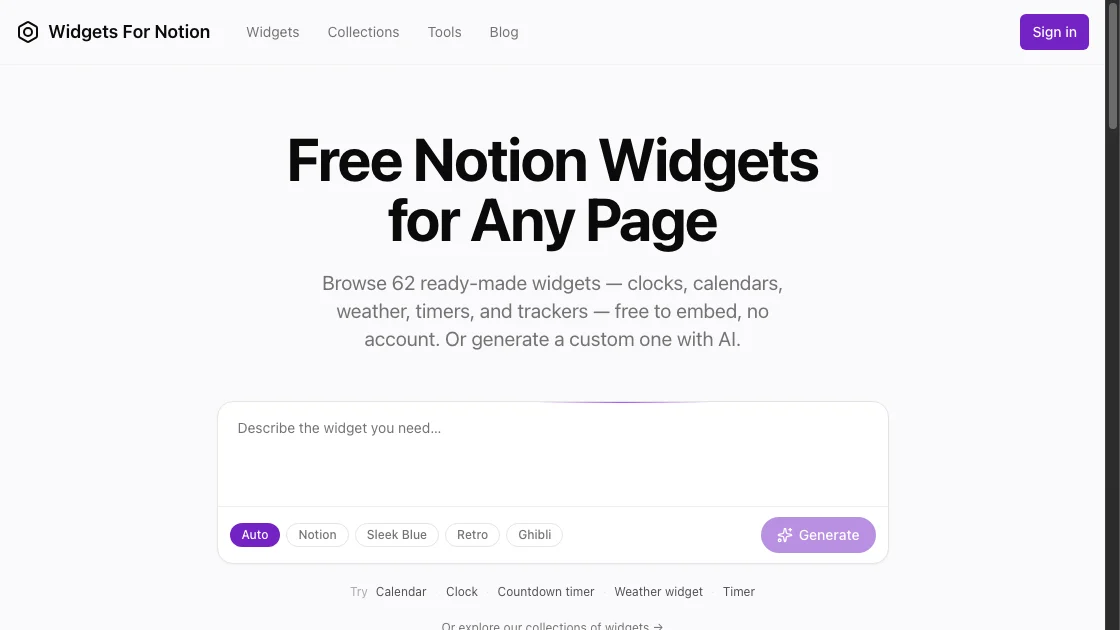
Widgets for Notion groups its widgets into matching visual collections. At the time of checking, its site described 59 ready-made widgets as free to embed with no account or per-widget cap. Its collections include minimal blue, soft pink, retro and Ghibli-inspired styles.
This makes it useful when you want a clock, calendar, countdown and weather card that already share a design. The catalogue covers the common dashboard categories and offers live previews.
Its paid route is separate from the ready-made catalogue: users can generate a new custom widget with AI. If you only want the existing widgets, the site says those remain free.
Laurie Hérault: best for a small, calming set
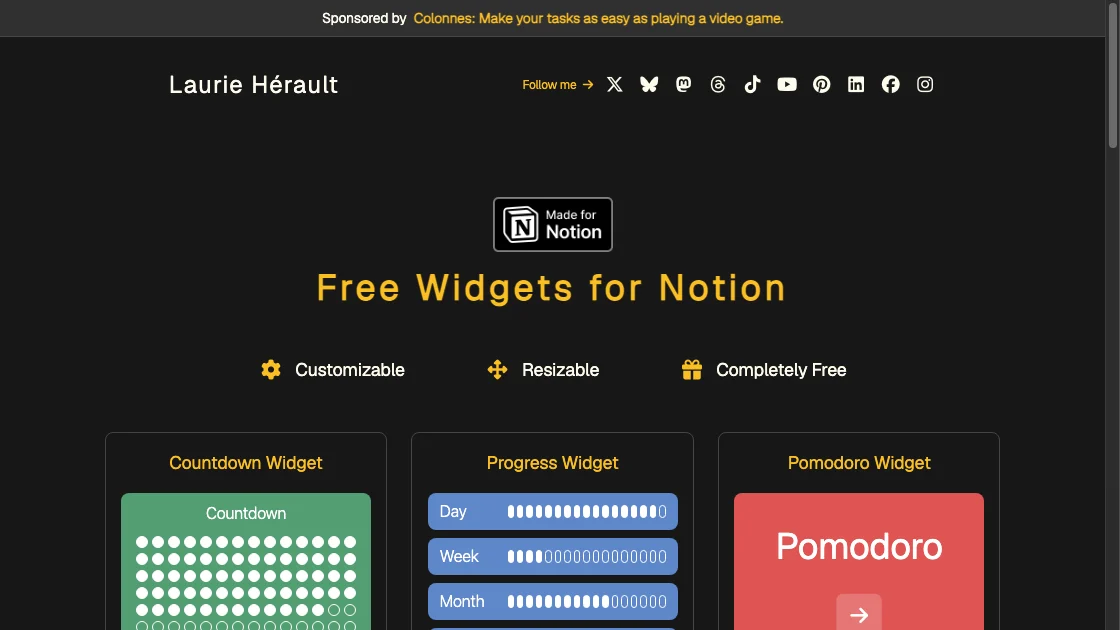
Laurie Hérault’s free widgets include tools such as timers, breathing exercises and countdowns. The collection is smaller than Indify or Apption, but the widgets have a clear minimalist direction and colour controls.
This is a good place to look for a study, wellbeing or quiet daily page. The collection does not try to cover every possible dashboard need, which can make choosing easier.
Wotion: best for open-source utilities
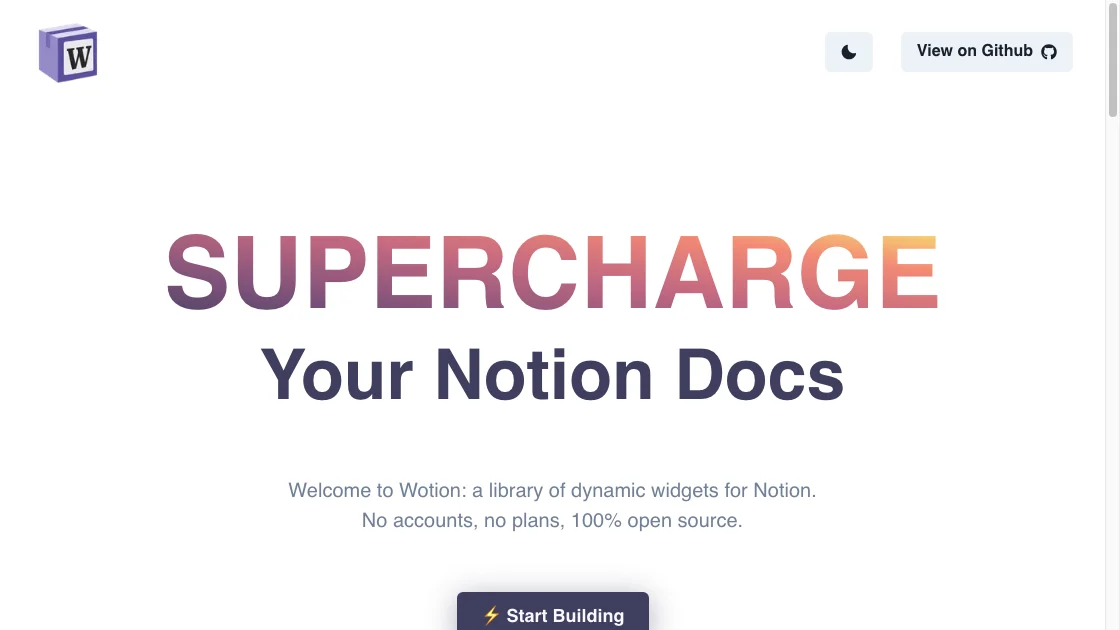
Wotion describes itself as free, open source and account-free. Its smaller library includes a stock tracker, Spotify player, Medium reader, quote widget and custom button.
Wotion is useful when one of those specific tools matches your page or when you prefer a project whose source is visible. It is not a broad alternative to Indify, but it covers a few jobs the more aesthetic catalogues do not.
Blocs: best for three basic productivity widgets
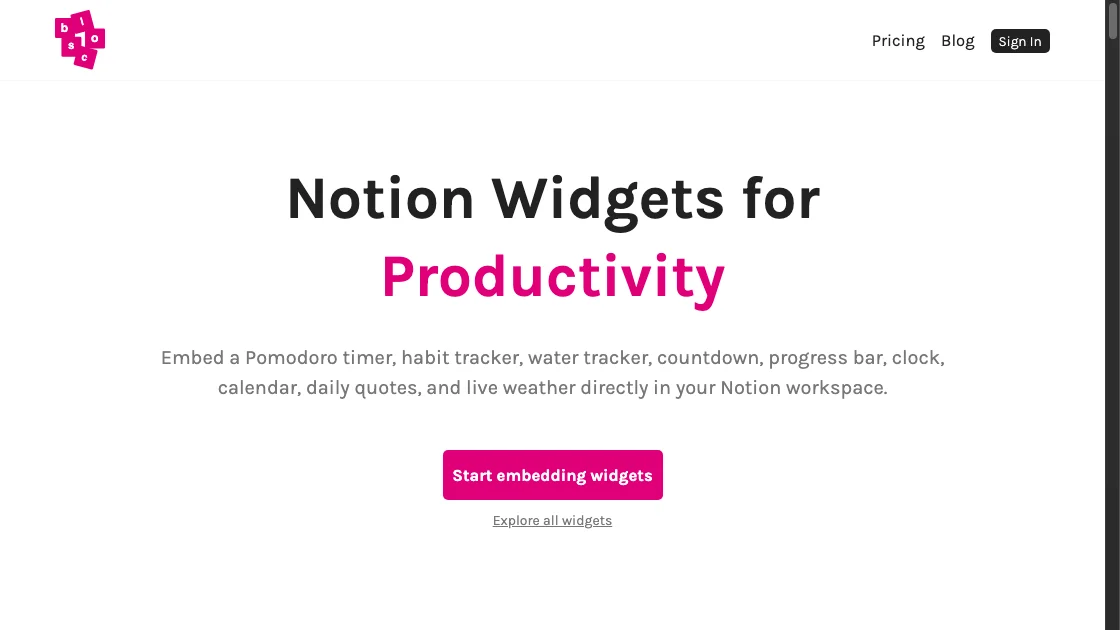
Blocs offers a Pomodoro timer, habit tracker and water tracker free without an account. Other widget types and advanced settings sit behind its paid upgrade.
The free selection makes sense for a simple work or health dashboard. Check the limits before choosing it for habit history or use across several devices, since analytics, expanded controls and cloud syncing are paid features.
Considering WidgetBox?
Check WidgetBox’s official site for current plans and availability before choosing it. Its public homepage lists widgets and pricing; test the widget you need rather than relying on an older comparison.
This matters with any hosted widget. The embed depends on the provider continuing to serve that URL. Keep important dates, tasks and records in Notion itself, then use widgets as a convenient view or small interaction on top.
If a WidgetBox embed on your page has gone blank, the WidgetBox alternative guide compares replacements for clocks, calendars and countdowns, including Dearly Peculiar’s free account limits.
Which free Notion widget site should you choose?
Choose Indify for synced calendars and weather. Search Apption when you need an unusual third-party tool. Use Dearly Peculiar for aesthetic widgets and personal planning. Choose Widgets for Notion when a matching themed collection matters most.
Laurie Hérault suits a small, calm study or wellbeing page. Wotion covers a few open-source utilities. Blocs gives you three straightforward productivity trackers.
You can mix providers. Match the background colours and keep the number of animated widgets low. More important, test each embed on mobile before you build the rest of the page around it.
Frequently asked questions
Are Dearly Peculiar Notion widgets free?
You can start free with a Dearly Peculiar account. A single-widget licence covers that widget; a pack covers its included widgets. Subscription and Lifetime cover the whole collection.
Which free Notion widget sites do not require an account?
Widgets for Notion, Wotion and the three free Blocs widgets can be embedded without a separate provider account. Dearly Peculiar uses a free account so your widgets can be saved and edited later. Apption’s requirements vary because it links to tools from different services. Indify requires an account and limits its free plan to six active widgets.
Which site has free Notion widgets for moving home?
Dearly Peculiar has a dedicated moving-home collection. It includes widgets for the moving date and next action, a one-box packing goal, moving-day checks, first-night essentials and setting up the first liveable room.
How do I add one of these widgets to Notion?
Copy the widget’s public embed URL. In Notion, type /embed, choose Embed, paste the URL and resize the block. The full embedding guide includes the fix when Notion creates a bookmark instead.


