
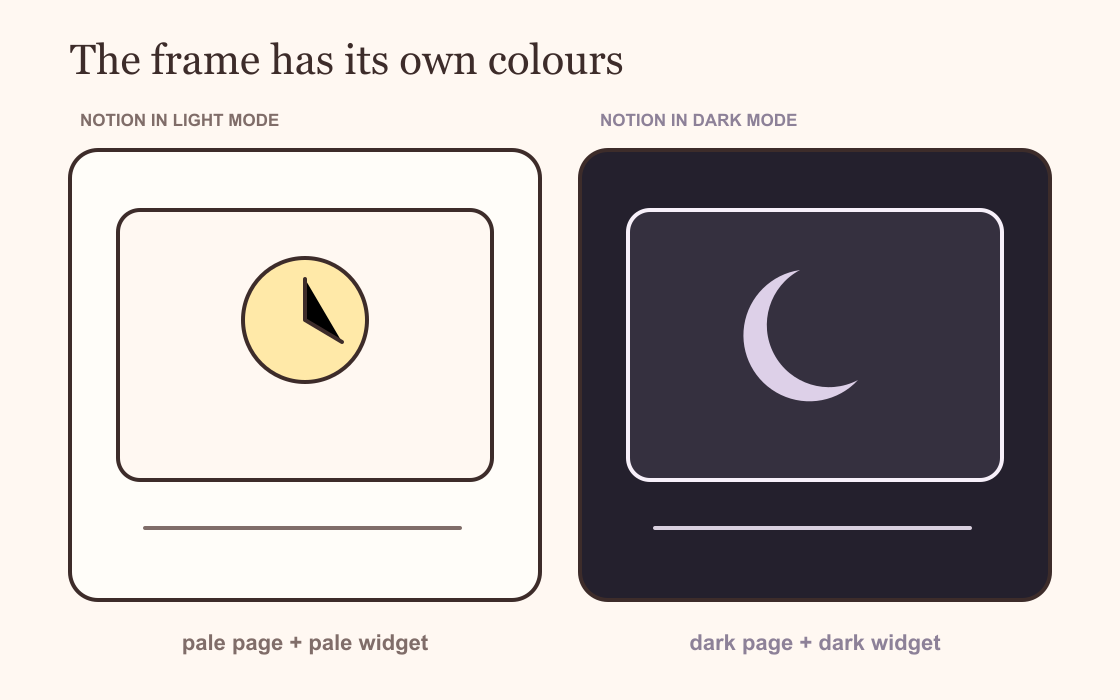
A white rectangle in the middle of a dark Notion page usually means the widget has its own light theme. Changing Notion to dark mode changes the page around the embed. It does not automatically recolour the website inside it.
Open the widget's own settings and choose a dark background, light text and controls with enough contrast. Then check the page once more in Notion. Two places, two sets of colours.
Why the widget stays white
A Notion widget is an embedded web page. Notion provides the frame and the provider supplies everything inside it. The provider may offer a dark theme, a colour picker, a transparent background, or no colour controls at all.
This is why switching the app's appearance can leave a clock glowing white. Notion has done its part. The clock is still loading the colours saved by its own site.
Notion's appearance settings can follow your system, stay light or stay dark. If you use the system setting, test the widget in both appearances. A pale label that reads well at noon can disappear when the page changes after sunset.
Fix the background first
Start with the largest patch of colour. If the Notion page is charcoal, choose a charcoal or very dark plum widget background. The shades do not need to be identical. They need to sit close enough that the frame stops looking pasted on.
A transparent background sounds like the neatest answer, but transparency borrows whatever sits behind it. Light text may vanish when the page returns to light mode. Dark text has the opposite problem. I prefer a deliberate background unless the widget changes its text colour along with the page.
Remove any visible border only after the background is settled. A thin border can help a dark card keep its shape. A bright border around every embed turns the dashboard into graph paper.
Repair faint text and controls
Dark mode problems are not always bright. Sometimes the frame matches beautifully and the labels almost disappear.
Check the smallest text first: weekday initials, field labels, inactive buttons and numbers inside progress bars. Increase their contrast before changing the large heading. A heading is easy to see; a grey edit icon on a grey card is where the page becomes annoying.
Keep accent colours away from tiny body text. Dusty pink or sage can work on a progress ring, selected date or button. Use a pale neutral for instructions and labels.
Use the widget's customisation page
Provider controls vary. Look for settings named theme, background, surface, text, accent or transparent. Change one at a time while the preview is open beside your Notion page.
On a Dearly Peculiar customisation page, choose a dark preset where one is offered. If your access includes custom colours, set the background first, then the text and accent. The preview shows the widget itself, but the final check still belongs inside Notion.
Do not edit the generated embed link by hand to make it shorter. Colour settings or the saved configuration may depend on that exact link. Copy it in full and replace the old embed only when the preview is ready.
Check desktop and mobile
Notion can show a slightly different amount of space around the same embed on a phone. Columns also stack. A wide dark calendar may move below a pale callout that was beside it on desktop, making the colour mismatch more obvious.
Open the page on your phone, scroll past the widget and return to it. Check for clipped controls, a white loading flash and text that shrinks into the background. Resize the frame in Notion if the provider's buttons sit too close to an edge.
If the widget looks correct in a browser tab but wrong inside Notion, remove the embed and add the finished URL again with /embed. The official embed guide shows the current block steps.
A dark-mode check that takes two minutes
Look at the background. Read the smallest label. Press one control. Switch Notion to the other appearance. Then open the page on a phone.
If all five checks hold, stop changing colours. Dark mode does not need a special collection of effects. It needs the widget to remain readable when the room, screen and page get darker.