
A task can sit in your planner all week without catching your attention at the right moment. A reminder gives you a reason to return to it. The useful part is choosing a time when you can act, and leaving yourself enough context to get started.
You can add one to a page you already use. There is no need to change your planner's layout.
Set the reminder beside the task
In the page, type @remind followed by a date and time, then select the suggested reminder. For example, try @remind tomorrow at 6pm. Click the resulting reminder to check its date, time and time zone. If your task already has a database Date property, open that date and choose when to be reminded there instead. These are the two methods in Notion's reminder instructions.
Check the selected date before moving on, especially when you have typed a day of the week rather than a full date.
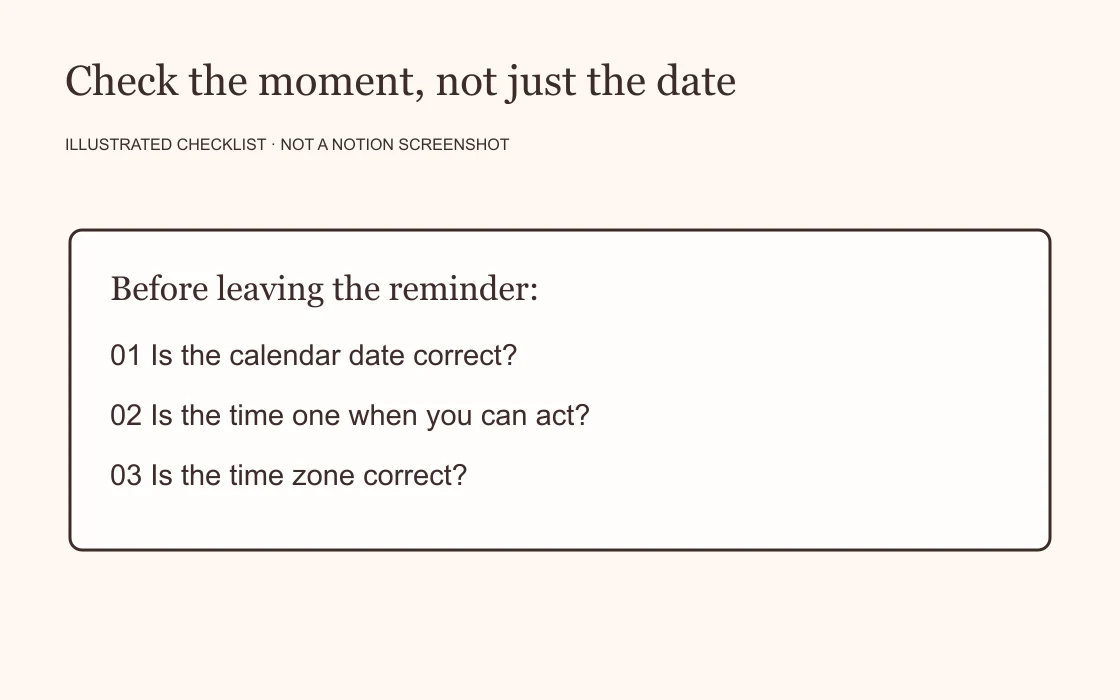
Choose the moment you can do something
For a birthday gift, a reminder on the birthday may arrive too late to be useful. Think about when you need to order it, including time for delivery. For a form, choose a time when you will have the information you need in front of you.
The task's deadline and the moment you want a nudge can be different. Keep the deadline accurate, then choose an earlier reminder where appropriate.
If an evening alert repeatedly arrives while you are making dinner, try a different time. A reminder is easier to use when it fits the day you actually have.
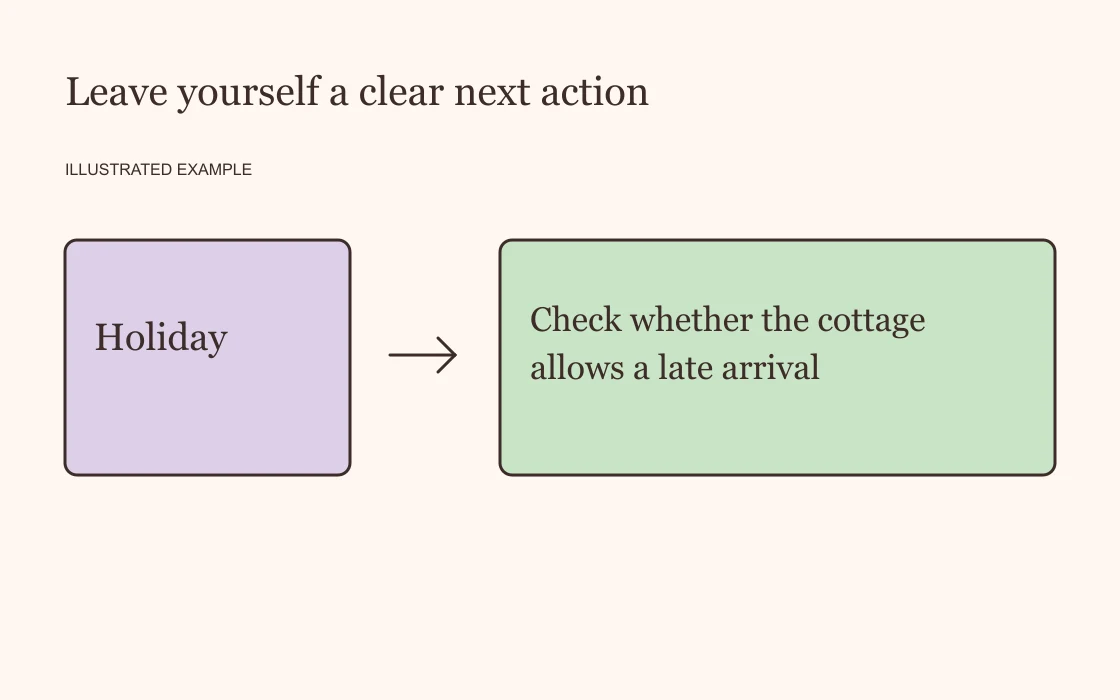
Write the action you want to return to
“Holiday” leaves a decision to make. “Check whether the cottage allows a late arrival” gives you a place to start.
A useful task description names the next action and includes any detail you are likely to forget. For example:
- Ask the plumber whether the quote includes removing the old tap.
- Check the return instructions for the blue jacket.
- Send the reading group two possible dates for next month.
Keep the relevant reference nearby in the existing task or page. You should not have to search your messages to work out what your own reminder meant.
Check notification delivery before relying on it
Set a short test reminder and see where it appears. Notion's notification settings affect delivery, and Notion says you will not see a notification while actively viewing the page where its reminder was created. Its notification settings guide explains the available controls.
For the test, move away from that page and check your Notion inbox as well as your device's alerts. If the reminder appears in the inbox but you miss the alert, review your notification settings before setting more reminders the same way.
Start with one task you already intend to do this week. Give it a clear action and a time that makes sense. When the reminder arrives, you should be able to recognise what it is asking of you.