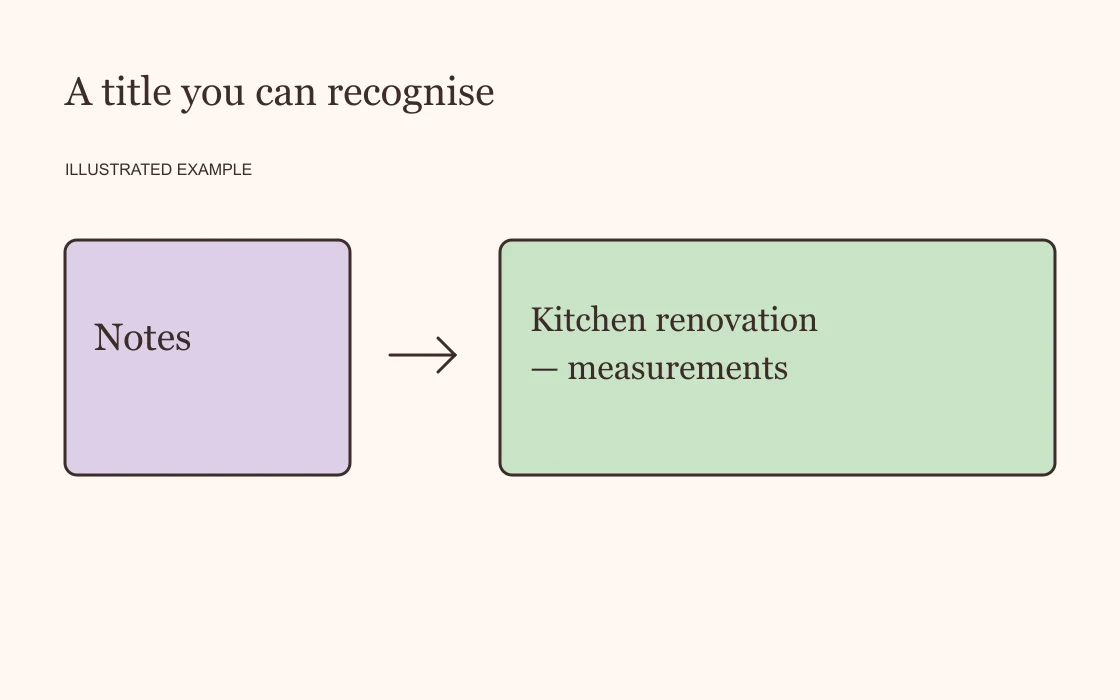
You remember writing it down. You can picture the page, perhaps even the icon, but the title has gone. Opening every section in the sidebar is one way to look. Start with search before you do that.
Start with a word you remember
Open Search near the top of Notion's sidebar and enter a word associated with the page. You can also open search with Command + P on Mac or Ctrl + P on Windows. Recently viewed pages appear in the search window too, so check those if you were using the page earlier. These controls are covered in Notion's search guide.
Choose something distinctive. If you are looking for notes about a holiday, the town's name may be more useful than “holiday”. For a work document, try the client or project name rather than “notes”.
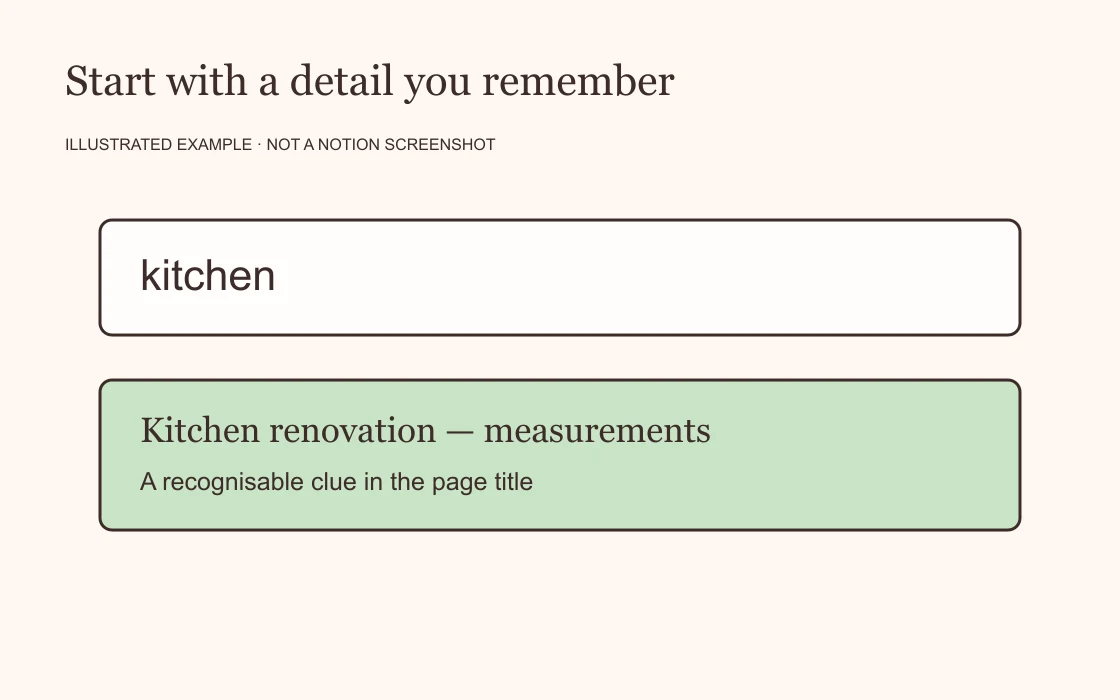
The first search is a starting point. If it brings back too much, replace the broad word with a detail you remember from the page.
Use an exact phrase when you know the wording
Notion supports quotation marks for exact searches. If you remember a phrase precisely, try something like "kitchen measurements". Notion documents exact searches here.
Save this for wording you are confident about. If you might have called the page “kitchen dimensions”, searching for the exact phrase “kitchen measurements” is too narrow. Try “kitchen” first, then inspect the results.
This is especially useful when the words you remember are individually common but distinctive together.
Think about what you called it at the time
You may be looking for a “reading list” that you originally called “books to borrow”. A page about moving might have the street name as its title. Try the words you would have used when you made the note, including an old project name if it has since changed.
For example, a search for “September trip” might be less helpful than the name of the hotel you were considering. The aim is to find a detail likely to be on the page, rather than guess its complete title.
If you have a direct link in a message or an old browser tab, try that too. It gives you another route to the page while you are still unsure what to search for.
Leave yourself a better clue
Once you find the page, check its title. Would you recognise it in a list of results a month from now?
“Notes” could become “Kitchen renovation — measurements”. “Ideas” could become “Birthday ideas for Dad”. You can keep a playful title and add one descriptive word if that makes the page easier to recognise.
There is no need to rename your whole workspace. Start with the page you just struggled to find. Give it the clue you wished you had remembered.