
You reopen yesterday’s project and find a helpful note from your past self: “Carry on with the proposal.” Excellent. Which bit?
The document is there, but the thought you were halfway through is missing. Before you can continue, you have to work out what you finished, what you were checking and why that tab was open.
Leave a short return note before you close the page. Its job is to preserve the next move, while you still know what that move is.
Write where you stopped, not just what the task is
A task name tells you the subject. A useful return note adds the state of the work. For a proposal, that might be:
Done: Introduction and outline are drafted.
Next: Check whether the delivery estimate includes installation.
Open: The supplier’s reply, dated Monday.
Those lines give you something to do before you start rereading. If you stopped because you could not make a decision, name the unresolved question instead. “Choose a date” is vague; “Ask whether Friday includes delivery time” gives the question somewhere to go.
Point to the part you need
For a long Notion page, a link to the relevant block can save you hunting for the paragraph. On desktop, open the block’s six-dot menu, choose Copy link to block, and paste the link beside your return note. Notion’s link guide documents the steps.
Use an existing page, task or note you will actually reopen. A beautifully organised handover is little help if you forget where you put it.
Keep one current note
When you resume, use the note to make the first move. Update it when you stop again. If each session adds another long diary entry, tomorrow’s first task becomes reading the diary.
Keep decisions and source material with the project. The return note can stay brief because it points to those details rather than repeating them.
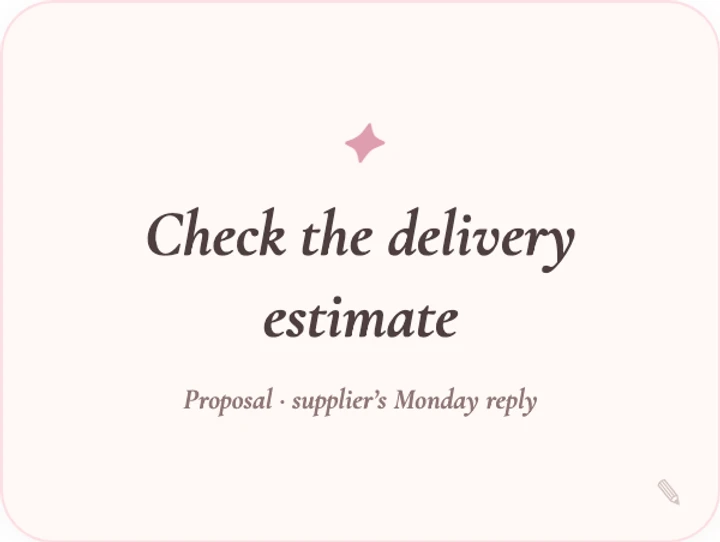
If a separate visible cue would help, Dearly Peculiar’s A line to keep widget can hold the next move. Text edited inside the embed is saved in that browser; it is not a shared project note or a cross-device handover. Keep the full return note in Notion if you need it on another device. A plain paragraph is enough if it already catches your eye.


