
A whole journal entry can feel like quite a lot at the end of a day. A small square is a gentler place to start.
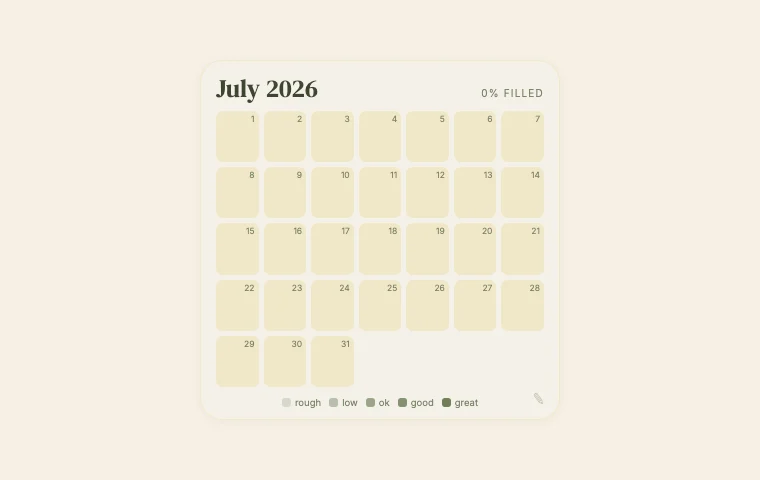
Pixel Month is a daily Notion tracker that builds a picture across the month. Choose one thing to track, such as mood, energy or focus, and fill the days with colours on its five-step scale.
Choose what the colours mean
Use the pencil at the bottom right to set what you are tracking. Pick one question you can answer consistently: how much energy did I have today, or how easy was it to focus?
Keep a short explanation beside the widget if it helps. For energy, your lowest colour might mean very little energy and your highest might mean plenty. It is your scale, so give it meanings you will remember next week.
Tap a day and let the month build
Tap a day to fill it. As the month goes on, the grid becomes a small record you can look back at. A few words in Notion underneath can give a colour context: a late night, a busy afternoon, a lovely long walk.
I like that a little grid can sit quietly on a page. It does not need a whole dashboard around it. Try placing it beside your weekly notes, somewhere you already return to.
Keep one question per grid
Mood and energy can be quite different on the same day. Choose one for this tracker rather than switching between them halfway through the month. That makes the finished picture easier to understand.
A colour is only a brief check-in, though. It will not explain a day on its own. If something matters, leave yourself a sentence too.
Missed a day?
You can leave a gap if you do not remember. A partly filled month still holds the days you did record. There is no need to guess just to make the grid look finished.
To add Pixel Month to Notion, open its customise page, copy the embed link and paste it into an /embed block. Choose a size that makes the squares comfortable to tap, then start with today.